
Get Help on Campus
Get Help on Campus is an optional web-based service designed to make you feel safer on campus and help you to urgently contact campus security if you ever need to do so.
About Get Help on Campus
Your University app for everyday life at Lancaster.
See what is happening today, check your timetable, register your attendance and find your way around campus. iLancaster brings useful University services together for students and staff.
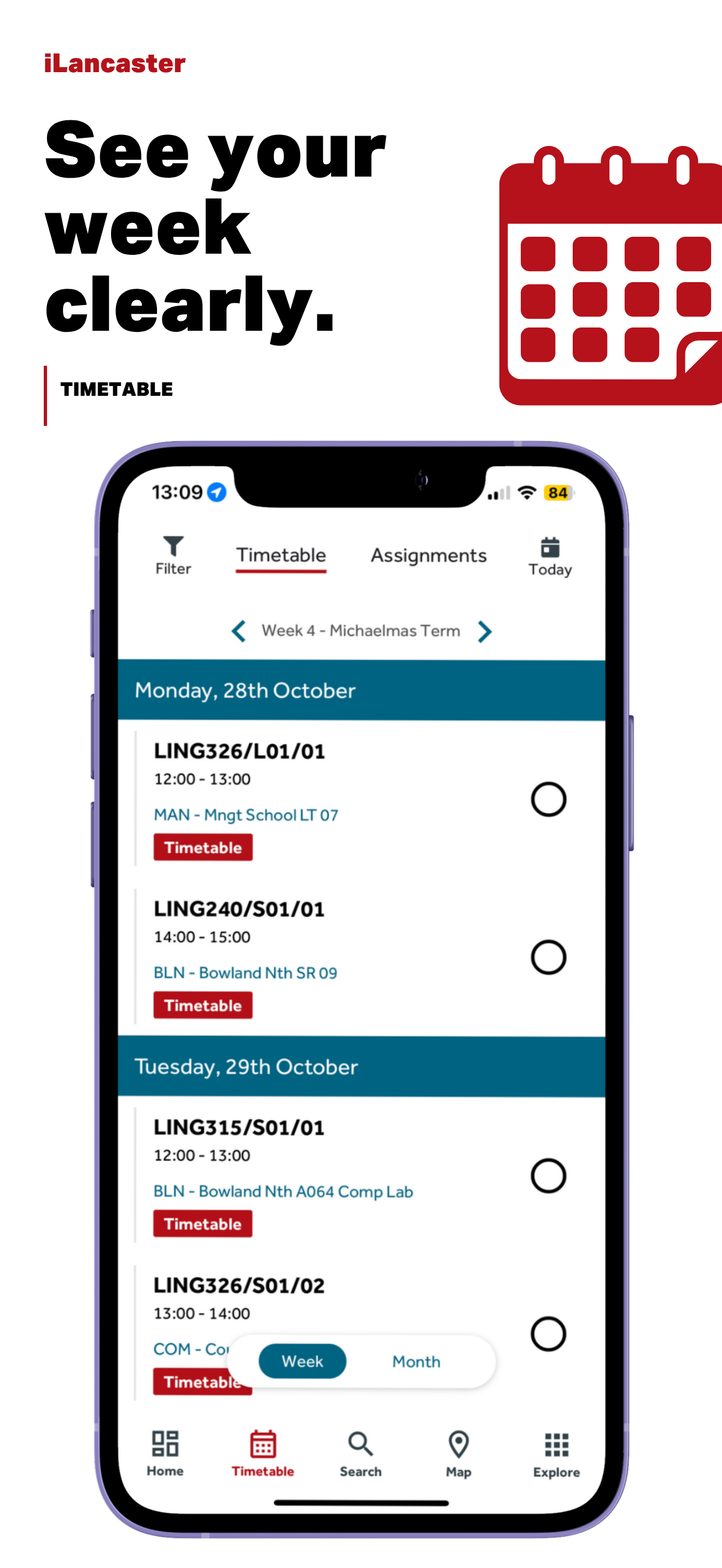
The home screen gives you a quick view of your University day.
See teaching events, exams and desk or space bookings in one place.
Students who need to register attendance can check in from the home screen or timetable.
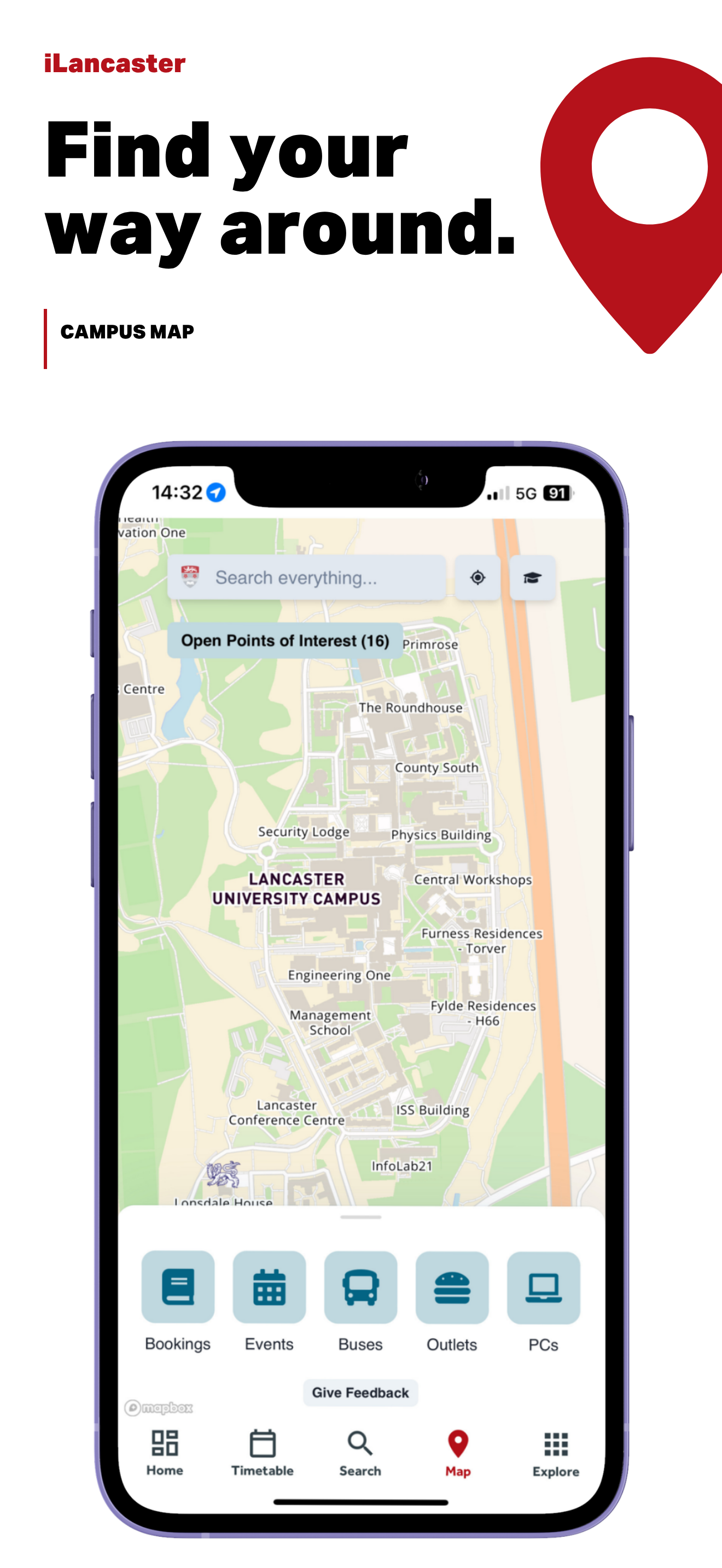
Use the map to find buildings, rooms and useful places across campus.
Get Help on Campus is an optional web-based service designed to make you feel safer on campus and help you to urgently contact campus security if you ever need to do so.
About Get Help on CampusFor help signing in, finding your timetable or checking in to a teaching event, start with the iLancaster guidance. If you still need help, contact IT support.
You may need to sign in to view University help pages.