Accessing ParentZone
Prior to your child starting at the Centre, you will receive an email to your registered email address(es) inviting you to create a password and access ParentZone. Please provide an email address for each parent that wishes to have access to your child’s information.
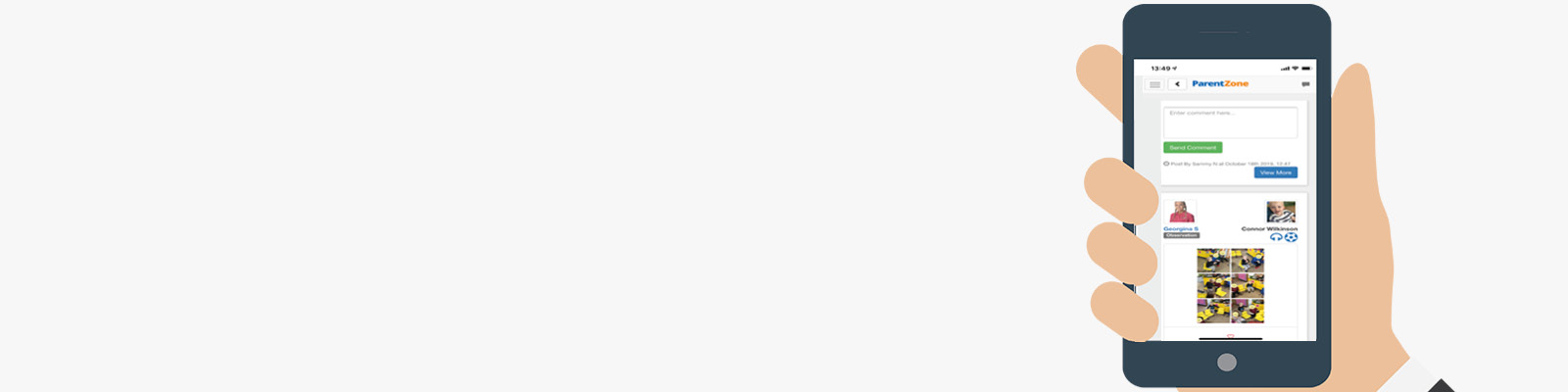
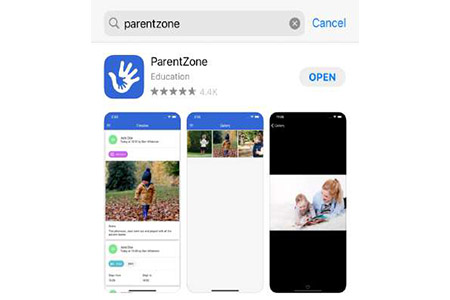
You can download apps for ParentZone for both Android and iOS(Apple) devices. Just head on over to the respective app store and search for ‘ParentZone’.
If you do not have a tablet/phone device to download the app to, you can access ParentZone online on a computer by visiting: www.parentzone.me